
Getting paid from a driveway
$29.30 on a $1,000 Invoice: Pick an Estimate and Invoicing App
At Stripe's standard rate, a $1,000 card payment costs $29.30. The same invoice paid by bank debit costs $5.00. Few features in any estimate and invoicing app will save you as much as asking a good customer how they would like to pay. Start there, and then see what software you actually need.
November 19, 2026 · 11 min read
The short answer
Most small businesses should use an existing estimate and invoicing app, not build one. As of November 2026, Wave's Starter plan is $0 with unlimited estimates and invoices, paid QuickBooks Online plans start at $38 a month and field platforms at $29 billed annually. Build a custom web app, from $575, only when your pricing logic is unusual and retyping into those tools costs real hours.
On this page
- One $1,000 invoice, and what each door charges you
- What you can already rent for less than one lost afternoon
- Where packaged tools leave you doing long division in the truck
- The screens, in the order a job actually happens
- Let QuickBooks keep the books, and keep your hands off the ledger
- Why only one person may ever need to install this
- A short list of people who should close this tab
One $1,000 invoice, and what each door charges you
Software comparisons usually begin with features. Begin with the money. Every invoice ends in a payment, and each way of paying has a published price, so before picking a tool it is worth knowing what the last step costs. Here is one $1,000 invoice at each vendor's standard rate as of November 2026. The dollar column is our arithmetic, not their quote. Your own mix of card brands and any negotiated rate will differ.
| Published rate | On $1,000 | |
|---|---|---|
| Stripe ACH Direct Debit | 0.8%, capped at $5.00 | $5.00 |
| Stripe domestic card | 2.9% plus 30 cents | $29.30 |
| Square online or invoice, on Plus or Premium | 2.9% plus 30 cents | $29.30 |
| Wave card, on Starter | 2.9% plus 60 cents | $29.60 |
| PayPal standard credit and debit cards | 2.99% plus 49 cents | $30.39 |
| Square online or invoice, on Free | 3.3% plus 30 cents | $33.30 |
| Square keyed by hand | 3.5% plus 15 cents | $35.15 |
| PayPal Checkout | 3.49% plus 49 cents | $35.39 |
Two lessons fall out of that table. For large invoices, offering bank payment is worth more than any app you could buy, and it is a one-line change on the invoice. And typing a card number over the phone is the expensive habit. A pay link, sent while you are still in the driveway, moves the customer out of the keyed row and gets you paid before you reach the next job. Our deposit page covers taking money up front, and adding Stripe covers the setup.
What you can already rent for less than one lost afternoon
Now the software. Each of these does the basic job, and for most owners one of them is the honest end of this article. We have no stake in any of them. Prices are as of November 2026 and each vendor changes them, so confirm before you commit.
| Monthly price | Good for | Watch for | |
|---|---|---|---|
| Wave Starter | $0; Pro is $19 | The solo owner with simple invoices; Starter lists unlimited estimates, invoices, bills and bookkeeping records | Card fee has a higher fixed portion than some rivals |
| QuickBooks Online Simple Start | $38 list, 1 user | An owner whose bookkeeper already works in QuickBooks | The page shows a promotion; budget for list price. Essentials is $85 for 3 users |
| QuickBooks Free | $0, 1 user | Getting started | No accountant access, and mobile app access and third-party integrations are not currently available on it |
| Jobber Core | $29 billed annually, $49 monthly, 1 user | Trades that also need scheduling; includes quotes and invoicing with online payments | Features step up by plan, so read the tiers |
| Housecall Pro Basic | $59 billed annually, $79 list, 1 user | Trades that want a price book and job costing with the estimate | QuickBooks Online sync starts at Essentials, $149 billed annually |
If you take one thing from this table, take this: choose what your bookkeeper or accountant can live with, because they will touch this data long after you stop thinking about it. If you are running jobs too, the field service app page makes the case for renting the whole thing. Do not pay for the estimate tool and the job tool separately unless you can explain why.
Where packaged tools leave you doing long division in the truck
Packaged estimating thinks in line items: a service, a price, a quantity. A good many trades do not price that way. Say a one-man fence builder in Amarillo, invented for this example. His estimate depends on linear feet, post spacing, gate count, the price of cedar this week, and whether the old fence has to come out. Today he does the math on a notes app in the driveway, types the result into his invoicing tool, and hopes he carried the 2. He sends three of these on a good day. Some evenings, he redoes them after dinner.
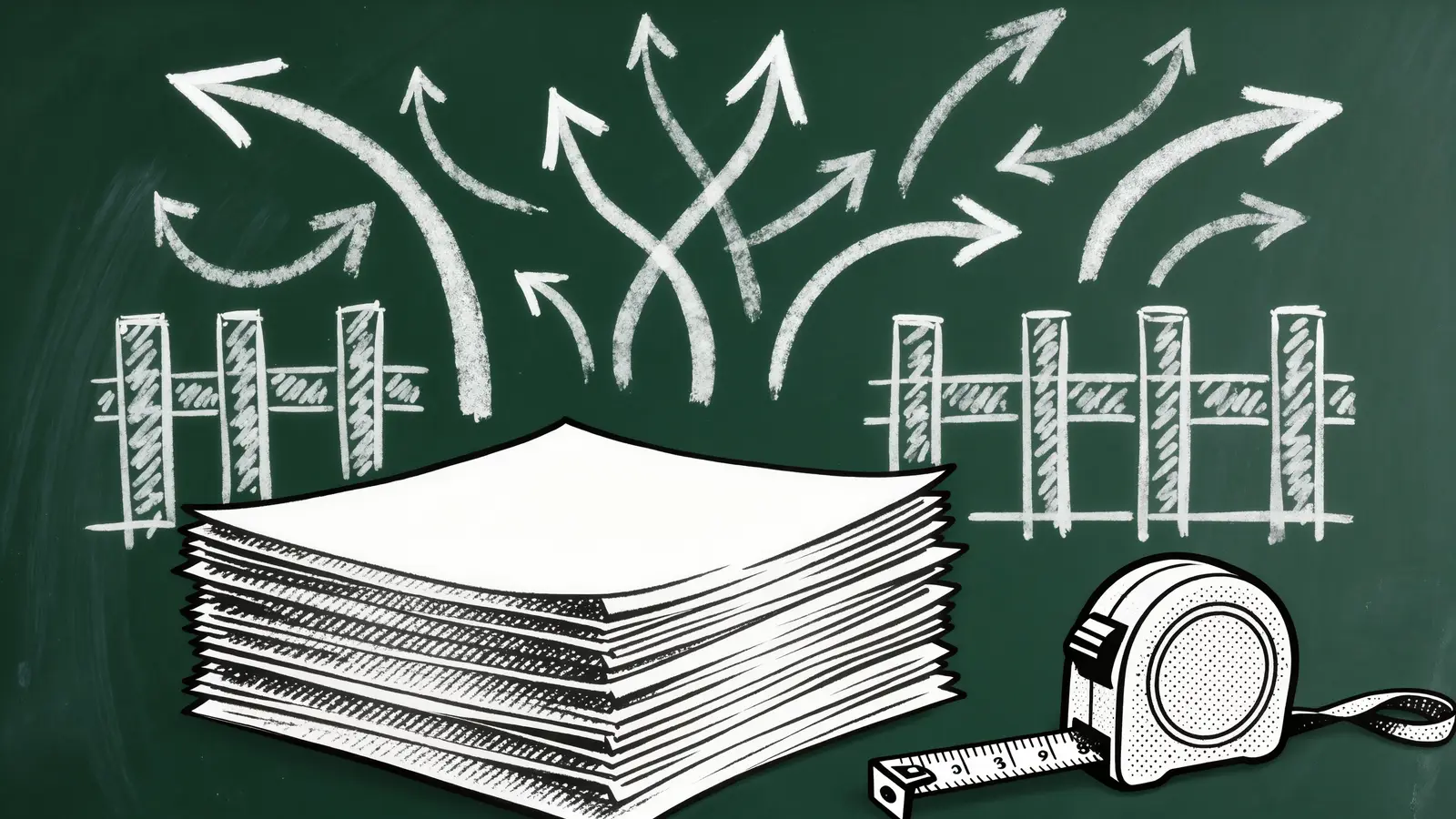
That is the case for building, and it is narrower than the sales pitch. You are not building invoicing. You are building his calculator and connecting it to tools that already work. The questions that test it are simple:
- Is your price a formula? If it comes from measurements and material costs, software can do the part you currently do badly at night.
- Do you send enough estimates to matter? Multiply estimates per week by minutes spent on each, and run it through the savings calculator. If it is an hour a month, stop here.
- Does it help win work? A clean, itemized quote with good, better and best options, delivered before you leave, is the one way this software may earn more than it saves. No one can promise that it will.
- Have you tried the templates? A saved quote template with your common jobs solves far more than anyone admits. Automating estimates and invoices starts there, and it should be your first stop.
The screens, in the order a job actually happens
If those tests hold, here is the build, walked in the order of a job rather than the order of a menu. Read it as our scope. Note how little of it is an app in the store. Only the owner has to install anything, and possibly not even that.
- 1
Price list and rules
A laptop screen where the owner sets materials, labor rates and the rules. Change cedar on Monday, and every new estimate uses the new price. This is the real asset of the system, and it stays yours.
- 2
New estimate, in the driveway
Pick the customer, enter the measurements, tick the options. The total appears as you type. Large buttons, one hand. Photos attach here, and if an inspection came first, failed items arrive as drafted lines.
- 3
Read it before it goes
A preview in the customer's view. Automatic sending from a formula is how a typo becomes a contract, so a person reads each one. We would hold this line on any estimate tool, AI or otherwise.
- 4
The customer's link
A plain web page with no download and no account: the options, the price, an approve button and a deposit. It works on any phone and is the most important screen in the system.
- 5
Job done, invoice drafted
Approved estimate becomes a draft invoice, with changes noted. The owner adjusts and sends, with a pay link and a bank option for larger bills.
- 6
Reminders, then the books
A polite reminder at intervals you pick, and totals passing to the accounting tool. Nobody retypes anything. If they do, the build has failed at its one job.
The records underneath are customers, price rules, estimates and their versions, line items, approvals, invoices and payments. Keep every version of an estimate, because "that is not what you quoted me" is a sentence you want to answer in about ten seconds. Ask your own attorney what your contracts need for an approval to count, because we are not lawyers.
Let QuickBooks keep the books, and keep your hands off the ledger
Do not build accounting. This is the most expensive wrong turn in this category. Your app should do its strange, specific thing, and then hand the invoice to a system an accountant already trusts. Intuit's developer documentation, read November 6, 2026, describes a public REST Accounting API that works on entities such as customers and invoices, and apps connect through Intuit's OAuth 2.0 server, with customers granting permission through a consent flow. So your own login stays yours, and no one has to share a password. Note the catch from the table above: the QuickBooks Free plan lists third-party integrations as not currently available, so check your plan.
An API integration starts at $575, depending on complexity, and goes live the same day. Decide up front which system is the record of truth for customers, for prices and for payments, and write it down. Sales tax is a separate decision. Stripe Tax Basic is 0.5% per transaction on no-code integrations as of November 2026, and your accountant should tell you where you must collect at all. If you do not know whether you need it, that is a good question to bring to them this week.
Why only one person may ever need to install this
Customers will not download an app to look at a quote. They will tap a link in a text. So the only install question is the owner's own phone, which greatly reduces what you are buying. A web app, from $575, depending on complexity, can be saved to the Home Screen. On iOS 16.4 and later, MDN says this works from the Share menu in Safari and other browsers. For one user, that is almost always enough.
A store app, from $3,750, adds Apple's $99 a year as of November 2026, review and the need to pass guideline 4.2, read November 6, 2026, which expects more than a repackaged website. Payment is not a store problem: guideline 3.1.3(e) says services consumed outside the app must use other methods, such as Apple Pay or card entry. So you would pay card fees as usual, with no commission on the job. The honest reason to go native here is a dead zone. If your estimates are written in places without signal, read the offline section of the inspection page first. See also what an iPhone app costs small businesses.
A short list of people who should close this tab
Stay with what you can rent if
- You send a handful of estimates a week from saved templates
- Your price is a list, not a formula
- Your bookkeeper is content with the current tool
- Your real problem is customers paying late. Change the terms and add a pay link first
- You want to replace QuickBooks because it annoys you
A custom piece may pay off if
- Your price depends on measurements, materials and options
- You have tried the templates and can show where they fail
- Hours of retyping show up in your own count
- You will keep the books in a real accounting tool
- You will read every estimate before it goes out
Nothing here is a promise of more jobs or faster payment. It is a way to stop doing arithmetic at the kitchen table. DataCram is a web studio in San Antonio that built and runs its own software, and our prices are on the page. There is no special small-business price. If the rest of your website is the thing that needs help first, the free mockup and the site audit cost nothing, and new sites can be financed at 0%: $1,500 is $375 down and $93.75 a month for up to 12 months. The microbusiness section covers the rest. Reach a person at (210) 346-0848.
Questions owner-operators ask
We will not crown one, because it depends on your bookkeeper and your trade. As of November 2026, Wave's Starter plan is $0 and lists unlimited estimates, invoices, bills and bookkeeping records, with card fees of 2.9% plus 60 cents. QuickBooks also lists a Free plan at $0, without accountant access or third-party integrations. Try one on a real invoice before you decide.
For many small businesses, it is enough, especially if your accountant already works there. QuickBooks Online lists Simple Start at $38 a month for one user and Essentials at $85 for three, as of November 2026. Trades that also need scheduling may be better served by a field service platform. Custom work should connect to QuickBooks rather than replace it.
Offer bank payment. As of November 2026, Stripe's ACH Direct Debit fee is 0.8%, capped at $5.00, against 2.9% plus 30 cents for a domestic card, so a $1,000 invoice costs $5.00 rather than $29.30 by our arithmetic. Also avoid keying card numbers by hand, which costs more at processors such as Square. Ask your processor what your own rates are.
Packaged tools vary, and saved templates cover more than most people expect, so test those first. If your price depends on measurements, material costs and options, a small custom web app can compute the estimate, then pass the result to your invoicing tool. That starts at $575, depending on complexity. A person should still read each estimate before it goes out.
They should not. A private link in a text or an email opens a plain web page with the options, the price, an approve button and a deposit. Jobber also describes a self-serve client hub for approving quotes and paying invoices. Asking a customer to install an app to look at a price is an excellent way to lose the job.
It can draft the wording, and your own price rules should set the numbers, because a confident wrong number is an expensive thing to send. Review every estimate before it goes out. AI may help with descriptions and follow-ups, as our page on automating estimates explains. The math itself needs a formula, which is cheaper and easier to check than a model.
Keep reading
- Sunday night, no moreAutomating Estimates and Invoices for Small Contractors, With a Human Reading Every NumberAutomating estimates and invoices for small contractors: templates first, the QuickBooks plan that blocks integrations, payment fees and review steps.
- Two stores, one budgetMobile App Development for Small Business: iPhone, Android or a Web App FirstiPhone and Android apps for a small business: web app from $575, native from $3,750, Google Play and Apple fees as of 2026, and what to build first.
- One home per recordConnecting Stripe, QuickBooks and a CRM: Who Holds the Truth About WhatConnecting Stripe, QuickBooks and a CRM without double entries: which system owns each record, the fee math that trips your books, and the wiring order.
- One owner, one phoneWeb Design for One-Person Businesses: What You Need and What to RefuseWebsite design for one-person businesses: the short page list, what to refuse to pay for, and fixed prices from $1,500, or when a builder plan is better.
- The build sideSmall Business Website Development: Who Holds the Keys When the Builder LeavesWebsite development for independent contractors: who owns the code, domain and accounts, what custom means at $1,500, and what you must maintain yourself.
- Probably not. Sometimes yes.iOS App Development for Small Businesses: When an iPhone App Earns Its KeepWhen an iPhone app makes sense for a very small company, what from $3,750 buys, Apple's fees and rules as of 2026, and what to try before you build.
- Everything in MicrobusinessSee the section
From the Insights desk
- “We'll Fix It Later” Is the Most Expensive Sentence in Web DesignIt is said with the best intentions around week three of every website project. But later is not a time — it is a place where work goes to accumulate interest, and it always arrives on a Saturday.
- What a Fast Website Is Actually Worth — in DollarsSpeed is a sales number wearing an engineer's costume. Every second your site makes a visitor wait, a share of them leave — customers you already paid to attract. How a fast website turns into dollars, with the math for your own traffic.
Show us how you price a job
Send one recent estimate and tell us how you worked it out. A person at DataCram replies and says whether a template, a packaged tool or a small custom calculator would fit.
Which of these sounds like you? (pick any)
Rather talk now? Call (210) 346-0848.