The Optimizely Hack Was Not an Outage. It Was a Delivery.
On Monday morning, some of the most carefully defended websites on earth started handing their visitors a stranger's code. The BBC. CNN. Zoom. Salesforce. HSBC. Nobody broke into their servers. Nobody guessed a password. The code arrived the way the rest of their marketing code arrives every day: politely, on time, from a vendor they trusted.
Plenty of people searching this week are calling it the Optimizely outage. It was not an outage. Nothing went down. Everything went out. That is the unsettling part.
Here is what happened, how the attacker got in, what the code did to the people who visited those pages, and the fixes, in the order we would make them. At the end we will make the case we make for a living: the fewer borrowed parts your website runs, the fewer strangers can rewrite it. We will also tell you when that case does not apply to you.
What happened on November 16
Optimizely sells software for testing two versions of a web page against each other. To run those tests, a customer puts one line on every page that loads a script from Optimizely's servers. Customers can also add their own code to that script through a box called Project JavaScript. It is a handy feature. It is also a door.
The best public timeline comes from Report URI, a security company that sells script monitoring and spotted the attack. Its account, published November 16 and updated November 17, 2026, runs like this (all times UTC, November 16 unless noted):
| Time | What happened |
|---|---|
| 04:21 | First tampered Optimizely script seen, on the BBC |
| 05:23 | The attacker registers the domain the tampered scripts call home to |
| 08:10 | First build of the payload, a cryptocurrency address swapper |
| 13:43 | A payment card skimmer is added |
| About 17:13 to 17:57 | Attack code for older iPhones is added |
| About 20:40 to 21:10 | Mass cleanup across affected sites |
| 23:11 | Every infected Optimizely file clean, per Report URI |
| 01:02, Nov 17 | Optimizely posts the incident on its status page |
Report URI fetched 1,611 different Optimizely scripts and found 188 of them, belonging to 178 organizations, carrying the attacker's code. It says the real number is likely higher, since it could not check every customer in time. The payload was rebuilt 26 times in one day. Whoever wrote it was iterating like a startup with a deadline.
How the attacker got in
Optimizely's own words are short. On its status page it said an unauthorized party "exploited a vulnerability in Experimentation" and used it to add malicious JavaScript to some customer projects. In a statement to BleepingComputer, the company was more specific: the flaw was in "the Experimentation account signup flow." Optimizely said it blocked the vulnerable path, deployed a fix, removed the injected code, ended active sessions, revoked tokens, reset access for affected users and notified every affected customer.
Read that again. The way in was a sign-up form. Not a zero-day in a server. Not a stolen admin password. A form meant for new customers somehow gave a stranger the ability to write into the projects of existing ones. Some researchers have taken to calling it OPTIMJACK, The Register reported. Neither Optimizely nor Report URI has published the technical details of exactly how the write access worked, and we will not guess.
What we do know is how the code was delivered. The attacker wrote a short loader into each project's JavaScript box and left the rest of the script alone. Optimizely's servers then delivered it from Optimizely's own address, the same address every one of those companies had told its browser to trust. Report URI says Optimizely's network "served exactly what it was given." This was not a hijacked server or a poisoned cache. It was the vendor's product working as designed, carrying a stranger's code.
What the code did to visitors
Report URI and BleepingComputer pulled apart copies of the payload. It did four things:
- Swapped crypto wallet addresses. Anyone copying a Bitcoin, Ethereum or other wallet address on an affected page could paste the attacker's address instead. About $7,000 reached the attacker's wallets on Monday, per Report URI, and the wallets were emptied early Tuesday.
- Skimmed payment cards. From 13:43 on, it captured card numbers, expiration dates and security codes typed into a site's own payment forms. Cards typed into a payment company's hosted fields, the little secure boxes from Stripe or Adyen, were out of its reach. Nobody yet knows how many cards were taken.
- Took cookies and screenshots. It sent page addresses, any cookies scripts can read and a picture of the page to the attacker's server.
- Attacked old iPhones. It tried to load two iPhone exploit kits, Coruna for iOS 13 through 17 and DarkSword for iOS 18, both documented by Google's threat researchers earlier this year. On iOS 18.6 or older, affected pages reloaded every 60 seconds to try again.

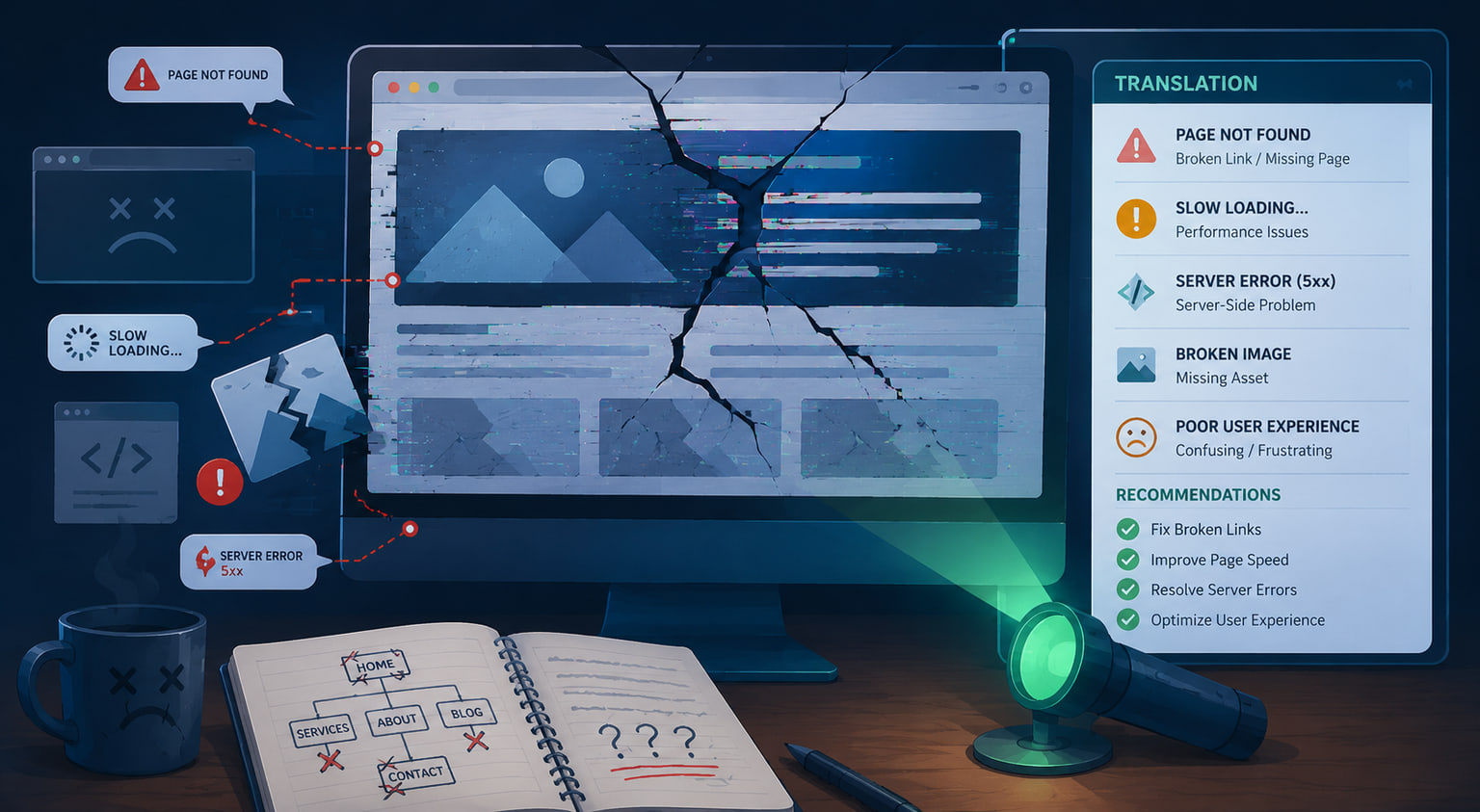
A good browser policy does not argue with a stranger's script. It just kicks.
The defense most sites failed
There is a test for exactly this situation, and it has been around for more than a decade. A Content Security Policy is a short set of instructions a website sends to the browser: run scripts only from these places, send data only to these places, refuse everything else. A strict one would have stopped Monday's attack on the spot.
Report URI checked the policies on affected organizations' sites. Here is how the ones it graded fared:
| What their policy did | Organizations |
|---|---|
| No policy at all | 68 |
| Policy let the code run and send data out | 50 |
| Code ran, but sending data out was blocked | 17 |
| Code blocked | 24 |
Twenty-four, about 15 percent of those it graded, passed. The rest were defended by a policy that said, in effect, "trust Optimizely," at the exact moment Optimizely was carrying something it should not have been.
Two details matter for anyone writing a policy this week. First, a policy that blocks outgoing connections stopped the card and cookie theft but not the wallet swapping, which happens inside the page. Second, a setting called 'unsafe-eval', which lets a page run code from text, let a backup copy of the payload run on HSBC's site even though the policy blocked the main file, per Report URI. Some testing and tag tools ask for that setting. Every one of those requests deserves a hard look.
The fixes, in order
If you use Optimizely Web Experimentation, Report URI recommends:
- Search every Project JavaScript box and every experiment for code you do not recognize, including the attacker's domain (1688360.cc) and the word atob.
- Review every user, API token and integration on the account, and rotate them.
- Treat cards entered on your own payment forms on November 16 as possibly exposed, and talk to your payment processor and your attorney about notification.
- Rotate any secrets stored in cookies that scripts can read.
- Deploy a Content Security Policy that limits where data can be sent, avoid 'unsafe-eval' where you can, and turn on reporting so the browser tells you when something is blocked.
If customer data may be involved, involve your attorney and your insurer before you write a word to customers. This is not legal advice, and breach notice rules vary by state. Our data breach first-hours guide walks through the order of operations.
If you run any website with outside scripts, which is nearly every website:
- Make an inventory. List every script your pages load, who owns it and why it is there, or have us do it with a third-party script audit. Delete the ones nobody can justify. Every chat widget from 2021 is a door somebody forgot to lock. The same trust problem rides along in your staff's browsers, which is why we wrote up browser extension security. If nobody on staff owns this list, a fractional CTO can.
- Lock down the checkout. Card industry rules already ask for this. Requirements 6.4.3 and 11.6.1 of the payment card standard, PCI DSS v4.0.1, call for an inventory of payment page scripts with a written reason for each, proof each one is authorized and intact, and an alert when a page's scripts or security headers change, according to the PCI Security Standards Council's own training material. Our PCI payment page script work builds the inventory and the alerts. Use the payment company's hosted fields so card numbers never touch your page's code; any ecommerce build worth paying for does. If the checkout is already acting up, the checkout emergency guide covers the first hour.
- Write a real policy. Start in report-only mode, read the reports for two weeks, then enforce. Our Content Security Policy setup follows exactly that order. Use nonces, a one-time code on each script tag, rather than allowing whole domains.
- Pin what you can. Subresource Integrity lets a page refuse a file whose contents changed. It does not work on scripts that change by design, like Optimizely's, which is why the policy matters more.
- Move experiments to the server. A test that decides which version to show on your server, before the page is sent, needs no outside script in the browser at all. On a custom site, tests can run that way, which is worth raising with whoever handles your conversion rate optimization.
- Watch for changes. Something should notice when a script that was 40 kilobytes yesterday is 46 today. That is what script monitoring is for. If you would rather not watch it yourself, see what our hosting and maintenance plans include, or start with a free website health check.
If you visited an affected site on November 16, update your iPhone (Report URI says to iOS 18.7.3 or later, or iOS 26.3 or later), check that any crypto address you pasted was the one you meant, and watch your card statements.
The case for fewer borrowed parts
Let us be fair before we sell anything. The companies on that list have large engineering teams, and they still loaded the script. Custom code does not make you immune. What it gives you is control, and control is what most small business websites quietly gave away years ago.
A typical templated site is a theme, a page builder and a dozen plugins, each written by a different stranger, each free to add its own scripts. Patchstack, a company that sells WordPress security, counted 11,334 new vulnerabilities in the WordPress ecosystem in 2025, 91 percent of them in plugins, and reported that 46 percent had no patch available when they were disclosed. Every one of those plugins is a vendor you trusted with your visitors, the same bargain the BBC made with Optimizely, minus the security team. We wrote about why plugin security is a supply chain problem, and about the long-run math in WordPress versus a custom website.
The bigger problem is the policy. A strict Content Security Policy wants to know every script by name. A templated stack adds scripts you did not write, often inline, and changes them whenever a plugin updates. Many site owners try a strict policy, watch the site break, and switch it off. That is how you end up among the 68.
A site built for you starts from the other end. It loads the scripts you chose and nothing else. Testing can run on the server. The policy can be strict on day one because there is nothing to make room for. That is the argument for custom websites, web apps and custom software: the policy can be written before launch, not after an incident. If you are weighing a move, start with should I leave WordPress, the WordPress to Next.js migration page, custom website versus a site builder or Athena versus WordPress for the content side.
When you do not need us
If your site has no checkout, no logins and a short list of scripts you can name from memory, you may need nothing more than an afternoon: delete what you do not use, add a report-only policy, and read what it tells you. Do it yourself. It is not hard.
If you take cards on your own pages, run marketing tags you did not write, or cannot say what loaded on your homepage this morning, that is the call to make. We respond the same business day. For a site that is already misbehaving, our malware removal and website security work starts with what is running on the page, our hacked website guide covers what to preserve before you clean, and our emergency repair team handles the first hour. The free site audit is a quieter first step.
The whole menu, from audits to moving tests to the server, lives in our website security services.
Monday's attacker did not need to be clever about your server. It only needed to be on your list of friends.
Frequently asked questions
Was the Optimizely incident an outage?
No. Optimizely's service kept running. The problem was that for about a day it delivered attacker code alongside customers' normal scripts. That is a supply chain attack: the visitor's browser trusted the vendor, and the vendor's product carried a stranger's code.
How did hackers get into Optimizely?
Optimizely said an unauthorized party exploited a vulnerability in the Experimentation account signup flow and used it to add malicious JavaScript to some customer projects. Optimizely says it fixed the flaw, removed the code, reset affected accounts and revoked tokens. It has not published further technical detail.
Which websites were affected?
Report URI found the attacker's code in 188 Optimizely scripts belonging to 178 organizations, and says the real number is likely higher. Reported names include the BBC, CNN, Zoom, Salesforce and HSBC. The script loaded or tried to load on those sites; that alone does not mean any one company's customer data was taken.
What should I do if I visited an affected site on November 16?
Update your iPhone or iPad to the latest iOS, check any cryptocurrency transfers to make sure the address was yours, and watch card statements for charges you do not recognize. If you typed a card number into a site's own payment form that day, consider asking your bank for a new card.
Would a Content Security Policy have stopped it?
A strict one would have. Report URI found that 24 affected organizations had a policy that blocked the code, while most had no policy or one that trusted Optimizely's whole domain. A policy that blocks outgoing connections also stopped card and cookie theft, though not the wallet swapping.
Is a custom website safer than WordPress or a site builder?
Not automatically. Custom code can have bugs too. The advantage is control: a custom site loads only the scripts you chose, can run tests on the server, and can enforce a strict browser policy from launch because there are no plugins to make room for.


 What you edit with on Next.js