Headless vs. Traditional CMS for E-Commerce: Which Shape Is Your Store?
Every e-commerce platform pitch now includes the word headless, usually near the word future. Before deciding whether it is yours, it helps to know exactly what the word means, what it costs, and which stores actually benefit — because for many, the honest answer is not yet.
What the two words mean
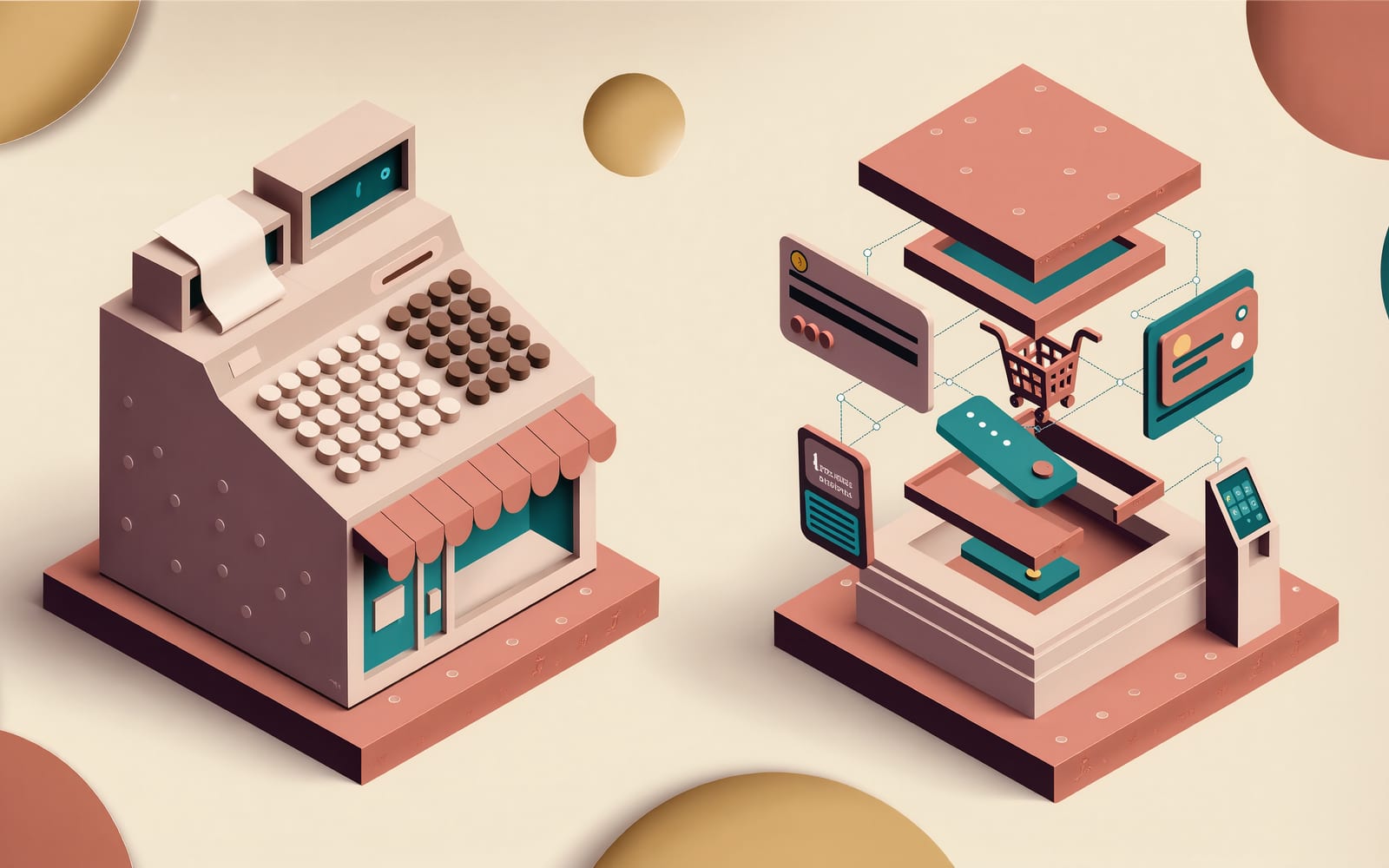
A traditional e-commerce platform is one system that does everything: the product catalog, the cart and checkout, the admin where you manage orders, and the storefront your customers see. WooCommerce on WordPress, Magento (now Adobe Commerce) with its themes, Shopify with its theme editor — each is a single application where the storefront is rendered by the same software that runs the store.
Headless separates the two. The commerce engine — catalog, cart, pricing, checkout, orders — runs as a service that exposes its data through APIs. The storefront is a separate application, built with whatever tools the team prefers, that calls those APIs to show products and place orders. The "head" (the storefront) has been cut off from the body (the engine), and can be replaced or multiplied without touching what runs the business.
Most of the platforms you know now sell both. Shopify offers its Storefront API and a React framework called Hydrogen for building a headless front end; BigCommerce, Adobe Commerce and the newer API-first platforms such as commercetools and Saleor were built around the idea. WooCommerce exposes a REST API that can drive a separate storefront. The choice is rarely "which platform" any more; it is "which shape."
What headless is actually for
The case for headless rests on three things, and it is worth being precise about each, because vendors are not.
Front-end freedom. A themed storefront lives inside the platform's rules — its templating language, its page structure, its notion of what a product page is. A headless storefront is an ordinary web application. If the design calls for a configurator, an editorial layout, a page that mixes content and products freely, or a checkout-adjacent flow the theme editor cannot express, headless removes the ceiling.
Performance, potentially. A custom front end on a modern framework can be very fast — pre-rendered pages, minimal JavaScript, images served at the right size. Note the word can. Headless does not make a store fast; it makes it possible to make the store fast, and just as possible to ship a slow one. Plenty of headless builds are slower than the theme they replaced because nobody did the work.
Many heads, one body. A kiosk in the shop, a mobile app, a marketplace listing, a wholesale portal and the public site can all sell from the same catalog and inventory. If you have more than one place products are sold, headless turns "keep five systems in sync" into "one engine, five screens."
If none of those three describes a real need you have today, the pitch is describing someone else's store.
What it costs, in the ways that are not on the invoice
Headless moves work from the platform to you. That is the whole trade, and it shows up in places a build quote does not list.
Everything the theme gave you for free is now a feature. Search, filtering, product recommendations, reviews, the wishlist, the currency switcher, the "you might also like" — in a themed store these arrive as apps or theme settings. In a headless store each is built or integrated. The catalog of apps that made the platform attractive largely assumes the platform is rendering the page.
SEO has to be engineered, not assumed. A themed store's product pages are server-rendered HTML with the platform's structured data already in place. A headless storefront must be built to render on the server, emit its own product schema, handle canonical URLs, sitemaps and redirects, and stay fast under the crawl. All of this is standard for a competent team and absent by default.
Checkout is where the platforms keep their leverage. On Shopify, a headless store can render everything except checkout, which stays on Shopify's hosted pages unless you are on the plan tier that allows otherwise. That is not a flaw so much as the platform's business model, and it should be understood before a design assumes a fully custom checkout.
Two systems mean two things to maintain. The engine updates on the vendor's schedule; the storefront updates on yours. A themed store has one deployment and one place things break. A headless store has a front end that needs its own hosting, monitoring, dependency updates and someone who understands it.
Who should stay traditional
A store with a few hundred products, one sales channel, a design that fits within what a good theme allows, and a team of one or two people managing it is almost always better served by a traditional platform with a well-chosen theme, a short list of apps, and careful performance work. The money that headless would have consumed is better spent on product photography, on paid search, and on fixing the checkout conversion rate — which is usually the largest lever a store has and has nothing to do with architecture.
This is not a consolation prize. Some of the fastest, best-converting stores on the web are themed Shopify stores that were simply built with discipline.
Who should go headless
A store that sells through several channels and is tired of reconciling them. A brand whose storefront is genuinely part of the product and keeps hitting the theme's walls. A catalog with complex products — configurable, bundled, priced by rules — that the platform's product model cannot represent. A business that already runs a custom system and wants the store to be a screen on it rather than a separate island. A store large enough that milliseconds of load time are measurable in revenue, with the team to keep it fast.
For those stores, headless is not a trend; it is the shape the problem already has.
A third option that is often the right one
Between "themed" and "fully headless" there is a middle path that gets less airtime because it is harder to sell: a custom-built storefront that keeps the platform's checkout and admin, or a traditional platform extended with a custom front end for only the pages that need it — the configurator, the lookbook, the wholesale portal — while the catalog and cart stay themed. Most businesses that think they need headless need this, and it costs a fraction.
How to decide, in one afternoon
Write down every place products are sold or will be within two years. Write down every page the current theme cannot build. Write down the load time of the product page on a phone over cellular, measured, not felt. Write down who will maintain the storefront in year two. If the first two lists are short and the last question has no name on it, stay traditional and spend the difference on conversion. If the lists are long and the name is real, headless is the right call — and it should be built by people who have shipped the SEO, the checkout and the integrations before, because those are the parts that decide whether it works.
We build both, and we will tell you which one you need before we quote it. That is how we approach store builds, whether it is a themed platform done properly, a headless storefront on a modern stack, or a migration between them with the catalog, the rankings and the integrations carried across. If you are weighing platforms, our comparison covers the common ones — and every store build qualifies for 0% financing.