Social Media SEO for Local Businesses: Search, Social and AI
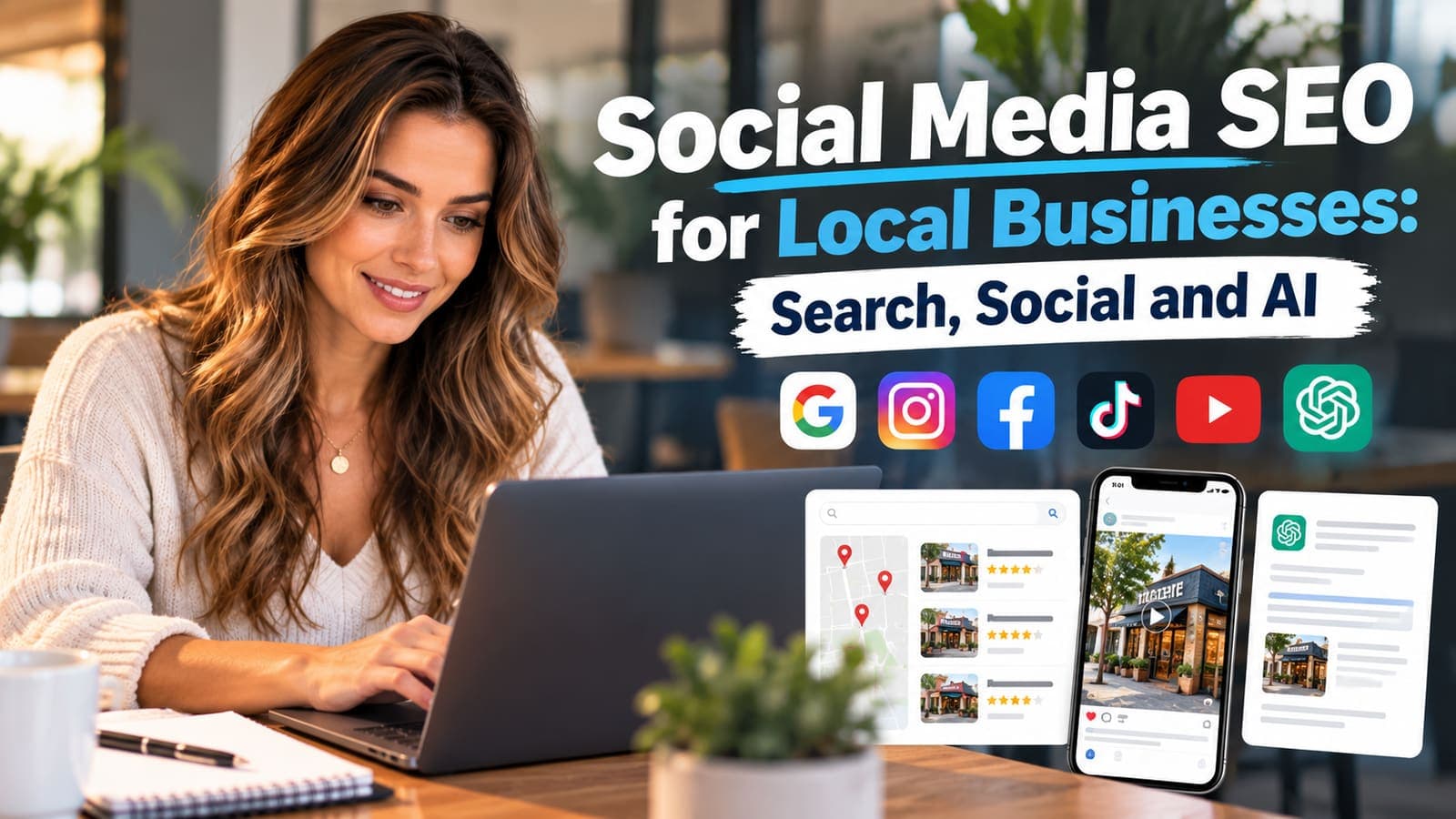
A homeowner with a problem now has three front doors to walk through, and most local businesses have only painted one of them.
The first is Google, the one everyone knows: the map, the ten blue links, the ads on top. The second is the search bar inside the apps already open on the phone. People type "roof repair San Antonio" into TikTok, YouTube and Instagram the way they used to type it into Google, and they get videos back instead of pages. The third is the AI assistant, which answers the question in a paragraph and names two or three businesses without showing a list at all.
Social media SEO is the work of being found behind all three doors. The good news for a busy owner is that the doors share a key. One job, filmed and published properly, can open every one of them.
Social search is search
When someone searches inside TikTok, Instagram or YouTube, the app has to decide which videos to show. It does that the way any search engine does: by reading what the video says it is about, and watching how people respond to it.
It reads more than most owners realize. The caption, yes. The text on the screen. The words spoken out loud, which the apps transcribe automatically. The location tag. The profile the video came from. Then it watches whether people who searched for that thing stopped scrolling, watched to the end, saved it or shared it.
That means a video of a beautiful kitchen remodel with the caption "Another one done 🔥" is nearly invisible to search. The same video with "Kitchen remodel in Alamo Heights: we moved the sink to the island," the same words said aloud in the first five seconds and a location tag is a small, permanent listing for exactly the search a homeowner in that neighborhood will run.
YouTube is the one to take most seriously. It is owned by Google, it is the biggest video search engine there is, and its videos show up directly in Google's own results.
Your profile is a landing page
Most local business profiles read like a bumper sticker: a logo, a slogan and a link to the home page. A profile is a landing page for people who found one video and want to know whether you are real.
Treat it that way. On Instagram, the name field is searchable separately from the handle, so it should say what you do and where: "Martinez Roofing | San Antonio Roof Repair." The bio should answer three questions in plain words: what you do, where you do it, and how to book. The link should go to a page where someone can actually book or call, not to a home page that makes them hunt.
Pin your three best videos: a finished job, a common problem explained and a short introduction to the people who will show up. Then check the unglamorous part. The business name, phone number and service area should match your Google Business Profile and your website exactly. When the details disagree, Google and the AI assistants cannot tell whether the TikTok account and the map listing are the same company, and the credit from one never reaches the other.
Captions are the new meta description
On a website, the title and meta description tell Google what a page is about. On social, the caption does the same job, and most businesses waste it.
Write the first line for the search, not for your friends. Name the job and the place: "Water heater replacement in Stone Oak, same day." Say the same thing out loud at the start of the video, because the spoken words are transcribed and read. Put it on screen in large text for the people watching with the sound off, which is most of them.
Hashtags still help, but not the way they used to. Three or four specific ones beat a wall of thirty. A tag for the trade and the city tells the app something. A tag like #love tells it nothing, and a wall of them reads as spam to the people you are trying to reach.
How social posts show up in Google
This is the part many owners miss. Social posts are not trapped inside the apps. YouTube videos and Shorts appear in Google results and in the video results on the page. Google also shows short-form video from other platforms for many searches, especially how-to and "near me" questions.
You can help it along from your own site. Embed the video on the matching service page or project page, with a short written summary and the transcript underneath. Now your website has fresh, specific content about a real job in a real neighborhood, the video gets views from people who were already reading about that service, and Google sees the two pointing at each other.
How social posts show up in AI answers
AI assistants build their answers from what they can read, and a great deal of what they read about local businesses comes from outside the business's own website: video transcripts, review sites, forum threads, local news and directories. We wrote about how customers now go to Reddit for the second opinion and why those threads end up in the answer.
Two things make a business easier for an assistant to name. The first is consistency: the same name, phone and service area everywhere, so the assistant is sure the video, the review and the listing all describe one company. The second is clear answers. A video that opens with "Here is why your AC freezes up in August, and what to check before you call anyone" gives an assistant something it can repeat, and a reason to mention who said it.
If your site ranks in Google but never comes up in AI answers, that is a separate problem with separate fixes, and we have a whole page on it.
The Google Business Profile is the social network that pays
Owners who post faithfully on Instagram often ignore the one profile that sits directly in the map results. Your Google Business Profile takes photos, short posts and replies to reviews, and a profile that is kept current reads as a business that is open and busy.
Add photos of real jobs every week or two. Post a finished project with a line about where it was. Reply to every review, briefly and like a person. None of it takes long, and all of it happens in the place where a customer is one tap from calling you. If you are not sure where your profile stands, the free Map Pack audit shows how it compares with the businesses taking the map in your area.
One job, three front doors
Here is the workflow that turns one ordinary job into content for all three front doors. It takes about twenty minutes beyond the job itself.
On the job. Get four shots on your phone, held vertically: the problem before you touch it, the cause once you find it, the work in progress and the finished result. Then one sentence to the camera: what the problem was, where you are and what you did. If the customer is happy to, a few words from them are worth more than anything you say.
The same evening. Cut it into the pieces below. The apps' own editors are enough; nobody expects a film crew.
| Piece | Where it goes | What makes it findable |
|---|---|---|
| 2 to 4 minute walkthrough | YouTube | A title with the job and the neighborhood, a description with the city, chapters |
| 30 to 60 second cut | YouTube Shorts, Instagram Reels, TikTok | Job and place in the first line and the first five seconds, a location tag, 3 or 4 specific hashtags |
| 3 or 4 photos and a line of text | Google Business Profile | The service name and the neighborhood in the post |
| The walkthrough, embedded | The service or project page on your site | A short summary and the transcript beneath it |
| A text to the customer | Their phone | A thank-you and your review link, the same day |
Upload a clean copy of the short cut to each app rather than reposting one app's download to another. Platforms have said they show recycled, watermarked clips to fewer people, and the clean file costs nothing.
The next morning. Answer every comment. A question in the comments is a customer asking in public, and everyone else reads the answer.
What to measure
Likes feel good and pay nothing. Watch the numbers that end in a phone call:
- Calls and direction requests from your Google Business Profile.
- Profile visits and link taps on each social account.
- Saves and shares, which tell the apps a video is useful.
- Searches for your business name, which rise when people have seen you somewhere and come looking.
- What new customers say when you ask how they found you. Ask every one of them.
The mistakes we see most
- A different business name, phone number or service area on every platform.
- A link in the bio that goes to the home page instead of a way to book.
- Captions that describe a mood instead of a job and a place.
- Posting only when there is a sale, which teaches the audience to ignore you the rest of the year.
- Buying followers. They never become customers, and an audience that never engages can drag down how the apps treat everything you post.
- Never answering comments or reviews, which looks from the outside like nobody is minding the store.
A weekly routine for a busy owner
Twenty minutes, once a week, is enough to keep all three doors open:
- Pick the best job of the week and publish it the way the table above describes.
- Add three photos to your Google Business Profile.
- Reply to every review and every comment from the week.
- Search your trade and your city on Google, YouTube and TikTok, and note who shows up. That is your competition for attention, and it is often not who you expect.
Frequently asked questions
Does social media help SEO?
Not directly in the way most people think; likes and follower counts are not a Google ranking factor. The real effects are practical. Videos rank in Google on their own, especially on YouTube. Embedded videos give your service pages fresh, specific content. Consistent profiles help Google and AI assistants connect every mention of your business to one company. And people who see you on social search for your name later, which is a signal Google does notice.
Which platform should a local business start with?
Your Google Business Profile first, because it sits in the map results where customers call from. Then YouTube, because it is a search engine owned by Google and its videos appear in Google results. After that, whichever app your customers actually use: Instagram and Facebook for many home services, TikTok when your customers skew younger.
How often should a local business post?
Consistency matters more than volume. One real job a week, published properly across the platforms, beats daily posts with nothing to say. A business that posts every week for a year will outrank one that posted every day for a month and stopped.
Do hashtags still matter?
A little, and less than they used to. The apps now read captions, spoken words and on-screen text, so those carry most of the weight. Use three or four specific hashtags naming the trade and the city, and skip the generic ones.
Should I put my social videos on my website?
Yes, on the page that matches the video: a water heater video on the water heater service page, a remodel on its project page. Add a short summary and the transcript so the page gains real content, not just an embedded player.
Can social media get my business into ChatGPT or Google's AI answers?
It helps. AI assistants draw on video transcripts, reviews, forum threads and business listings, so a business that is visible and consistent across those sources is easier for them to find and name. Clear, specific answers to common questions in your videos give them something worth repeating.
Where to start
Start with the profile that sits in the map. Run the free Map Pack audit to see how your Google Business Profile, reviews and website compare with the businesses taking the map for your main service, and what to fix first. If you would rather have the filming, editing and publishing handled, that is part of our local marketing and content marketing work.