
Flatsome development
Flatsome Developer for WooCommerce Stores Facing the Classic or Site Builder Choice
On September 30, 2026, the makers of Flatsome announced its successor and called it "not an update. It is a new beginning." If your WooCommerce store runs on Flatsome, that sentence is now yours to plan around. We help you plan it, and keep the store selling in the meantime.
October 6, 2026 · 8 min read
The short answer
A Flatsome developer maintains Flatsome Classic stores (UX Builder pages, UX Blocks, Theme Options headers, WooCommerce template overrides and registration) and plans what comes next now that the block-based Flatsome Site Builder is in beta. DataCram audits the store for free, quotes a fixed price, and tells you whether to stay, test the beta, or move.
On this page
Flatsome now means two different products
For more than a decade Flatsome was one thing: a store-focused theme on ThemeForest with its own drag-and-drop UX Builder, sold once and updated for life. That product, now called Flatsome Classic, has 270,401 ThemeForest sales; version 3.20.11 was released on September 22, 2026. The new product, Flatsome Site Builder, is a block-based builder plugin built on core WordPress blocks and theme.json, paired with a new Flatsome Block Theme and sold directly on flatsome.com. It entered beta on September 30, 2026.
| Flatsome Classic | Flatsome Site Builder | |
|---|---|---|
| Status | Current release, maintained | Beta |
| Where it is sold | ThemeForest | flatsome.com, checkout through Stripe |
| Price model | $59 Regular License, one time, one site | Yearly, per site; $89 list for one site, with a 50% early-access discount ending October 14, 2026 |
| How pages are built | UX Builder, UX Blocks, Theme Options in the Customizer | Core WordPress blocks and theme.json |
| Content format | Shortcodes only Flatsome understands | Standard blocks |
| Refunds | Envato rules, no change-of-mind refunds | 30-day money-back guarantee |
| Vendor commitment | Stays on ThemeForest with WordPress and WooCommerce compatibility updates and critical fixes | Pricing page targets version 1.0 within about a month |
Full plan details sit on the Flatsome pricing page. The point for an owner is simpler: one product is promised fixes, the other is promised a future, and neither choice is urgent this week.
Three roads from here, and the store each one suits
Stay on Classic
UX-Themes says Classic will keep getting WordPress and WooCommerce compatibility updates and critical fixes, and that moving to Site Builder is optional. Right for a store that sells well and needs no new features. The cost is standing still on a product whose new work now goes elsewhere.
Pilot Site Builder on staging
Right for owners who want the block-based future and can wait for it to settle. The vendor calls it a beta with rough edges and asks people to try it on a staging site. We agree, and we treat it exactly that way.
Leave WordPress for Next.js
Right for stores whose growth keeps bumping into plugins, speed or custom features. Since leaving UX Builder means rebuilding pages on any road, it is worth pricing a Next.js build at the same moment.
Every road except standing still runs through your UX Builder shortcodes.
That last line is the practical heart of the decision. UX Builder stores layouts as Flatsome shortcodes. Switch to Site Builder, another theme or Next.js, and those pages need converting or rebuilding. The vendor plans a migration plugin for exactly this, but its pricing page lists a Classic migrator as included while the beta announcement describes one still to come. Until that is settled, we plan for a rebuild and treat any working migrator as a saving.
Work we do on Flatsome Classic stores right now
Most owners need Classic in good shape whatever they decide, because the store has to keep selling while they decide. This is the work that keeps it there.
- UX Builder pages and UX Blocks. Repeated sections turned into shared UX Blocks, so a promo banner changes in one place. Mega menus built the Flatsome way, as UX Blocks assigned to menu items (version 3.13.0 and later). If the editor will not open, see UX Builder not loading.
- Header and mobile header. Built in Theme Options > Header and Header Mobile, including the mobile sidebar menu's elements. Flatsome mobile menu not working covers the usual faults.
- WooCommerce template overrides. Flatsome ships its own copies of WooCommerce templates, and WooCommerce flags them as outdated when it moves ahead. The theme's own copies are fixed by updating Flatsome; copies in a child theme must be fixed by hand, and we do that line by line.
- Registration in your name. UX-Themes allows one purchase code per site. Moving domains means unregistering the old one at account.uxthemes.com first, which is where many stalled updates begin.
- Cache and minify conflicts. The vendor's first troubleshooting step is to reset or disable all caching and minifying. We rebuild the cache setup so the cart, checkout and header cart count stay live.
- Catalog Mode for stores that take quotes instead of payments, with cart and checkout hidden cleanly.
One habit underpins all of it. Flatsome Classic comes with a child theme, and every custom function, style rule and WooCommerce template override we write goes there, never into the parent theme. That keeps a Flatsome update from erasing the work, and it gives the next developer, or a future migration, one folder to read instead of a hunt through the whole install.
Speed work on Classic follows the Flatsome speed guide, and store-specific settings are covered in Flatsome with WooCommerce. Emergencies, from a broken checkout to a store that has stopped updating, go to the Flatsome repair hub.

 The third option
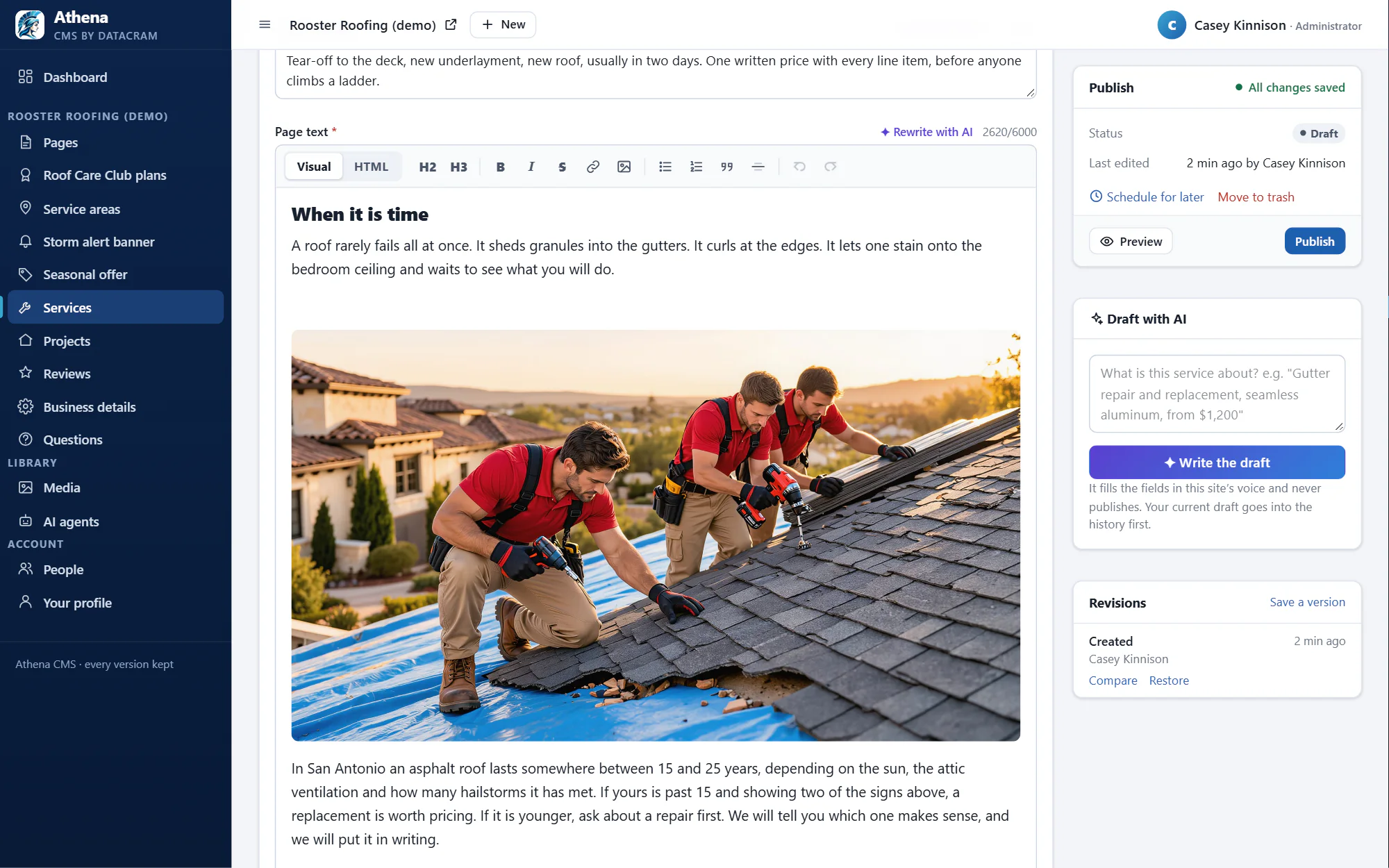
Athena CMS, with AI agents on staff.
Not a theme and not a blank Next.js repo. The content system we put behind every custom site: plain fields, a real preview, every version kept, and AI agents that handle the chores a plugin only nags you about.
- PicassoImages
- ApolloSite analysis
- AresCompetitor watch
- PrometheusContent holes
- AtlasPage depth and structure
- DelphiAI search visibility
and 12 more agents. Two come with Athena; the rest are monthly add-ons.
Testing the Site Builder beta without betting the store
If the block-based Flatsome appeals to you, test it properly. The vendor says page speed is up "by a wide margin" with better Core Web Vitals out of the box. That may prove true. It is a vendor claim until it is measured on your own pages.
- 1
Clone the store to staging
Never the live store. A full copy with real products, real categories and test payment settings.
- 2
Inventory the UX Builder content
Every page, every UX Block, and every shortcode hiding in product and category descriptions, counted before anyone converts anything.
- 3
Try the migrator, if it is available
Run it on staging and compare each converted page with the original at desktop and mobile widths. Where it falls short, note the gap.
- 4
Rebuild the money pages
Home, a category, a product with variations, cart and checkout, built in Site Builder blocks.
- 5
Measure both versions
Run PageSpeed Insights on the same URLs on staging and live, and place test orders through both checkouts.
- 6
Decide at version 1.0
Move the live store only once the beta label is gone and your staging results justify it.
Budget for the license change too. Classic was one payment; Site Builder renews every year, per site. Site Builder plans also include Flatsome MCP, which lets an owner drive Flatsome with an AI agent of their choosing. Useful, and one more thing to test before trusting it on a store.
What a Flatsome engagement covers, and what sets the price
Every engagement begins with a free audit through our site audit page: Flatsome version, registration owner, WooCommerce version and template warnings, child theme overrides, cache setup, and how much of the store lives in UX Builder. You get a written scope and a fixed price. We work on a staging copy, test orders end to end, and hand over a note that lists what changed and how to update safely next time.
- The number of UX Builder pages and UX Blocks, and how many shortcodes sit inside product descriptions.
- How many WooCommerce templates the child theme overrides.
- Which WooCommerce extensions touch the cart and checkout.
- Whether the registration is tangled with an old domain or someone else's purchase code.
- Whether a Site Builder pilot is part of the job.
Prices stay off this page because those five things vary too much between stores. Larger store projects can be spread out with ecommerce financing.
Stores that should skip both Flatsomes
Here is the honest part. If your store sells a few dozen products, Classic works, and nothing on your list needs new features, you don't need a Flatsome developer this year, and you certainly don't need to pilot a beta. Keep Classic updated and registered, and call us when something breaks.
At the other end are stores that have outgrown the whole stack: custom pricing rules, subscriptions, wholesale accounts, product data from an ERP, or a catalog large enough that every second of load time shows up in revenue. For those, a Next.js store with Athena CMS gives editors plain fields and built-in e-commerce, while agents such as Argus watch for failing forms and slow pages. The trade-offs are in Flatsome vs Next.js and WooCommerce vs Next.js ecommerce; the move itself is in Flatsome to Next.js and WooCommerce to Next.js.
Still comparing themes? WoodMart vs Flatsome and Flatsome vs Astra cover the WordPress alternatives, and our other theme work is under WordPress theme developer services.
Questions people ask before they call
No. UX-Themes says Classic will always stay on ThemeForest and keep getting WordPress and WooCommerce compatibility updates along with critical fixes. Your store keeps running. What changes is where new features go: into Site Builder. Keep Classic updated and registered, and plan your next step on your own schedule.
Not yet. The vendor itself calls it a beta with rough edges and asks people to try it on staging. Test it on a copy of your store, measure the pages that earn money, and wait for version 1.0 and a confirmed migration tool before moving a store that pays the bills.
Flatsome ships its own copies of some WooCommerce templates. When WooCommerce updates those templates, the copies fall behind and WooCommerce flags them. Updating Flatsome to a version that supports your WooCommerce release fixes the theme's copies. Overrides in a child theme have to be updated by hand. Flatsome checkout issues covers the symptoms.
Yes. Each Flatsome purchase code registers one site, so unregister the old domain at account.uxthemes.com, then register the new one. If you see a message that the code is already registered on another site, that is the cause. Flatsome update and registration problems walks through it.
Up front, almost always. Classic is a one-time purchase and the store already exists. A Next.js build costs more at the start. The math can change over a few years if the store keeps adding paid plugins, needs a rebuild off UX Builder anyway, or loses sales to slow pages. The audit shows which case you are in.
Keep reading
- Custom theme developmentHire a WordPress Theme Developer Who Leaves You Code You Can ReadHire a WordPress theme developer for custom themes, child themes, theme.json block themes and custom blocks. Documented code and honest advice on fit.
- Astra developmentAstra Developer for Hire: Custom Work Built on Hooks, Not HopeHire an Astra developer who builds with a child theme, Astra's hooks and Pro's Site Builder instead of more plugins. Free audit, fixed quote, honest advice.
- Kadence developmentKadence Developer: Theme, Kadence Blocks and Theme Kit Pro, Built ProperlyHire a Kadence developer who knows the theme, Kadence Blocks, Theme Kit Pro and the 2026 Liquid Web plan changes. Free audit, fixed quote, straight advice.
- Divi developmentDivi Developer for Divi 5 Upgrades, Custom Modules and Clean ExitsHire a Divi developer for Divi 4 to Divi 5 upgrades, Theme Builder templates, custom modules, or a clean move off Divi. Free audit and a fixed quote.
- Elementor developmentHire an Elementor Developer for Hello, Theme Builder and the Parts Drag and Drop Can't ReachHire an Elementor developer for Theme Builder templates, custom widgets, container conversion and speed settings on Hello. Fixed quote after a free audit.
- Bricks Builder developmentBricks Builder Developer: Templates, Components, Query Loops and Safe UpdatesA Bricks Builder developer for templates, components, query loops and custom elements, with every update tested on staging first. Fixed quote after an audit.
- Everything in WordPress Theme DeveloperSee the section
Get a clear plan for your Flatsome store
Tell us about the store and what is bothering you. We will audit it for free and come back with a fixed quote and a straight recommendation: stay, test, or move.
Which of these sounds like you? (pick any)
Rather talk now? Call (210) 346-0848.