Supabase Costs Creeping Up? 7 Levers to Pull Before You Panic
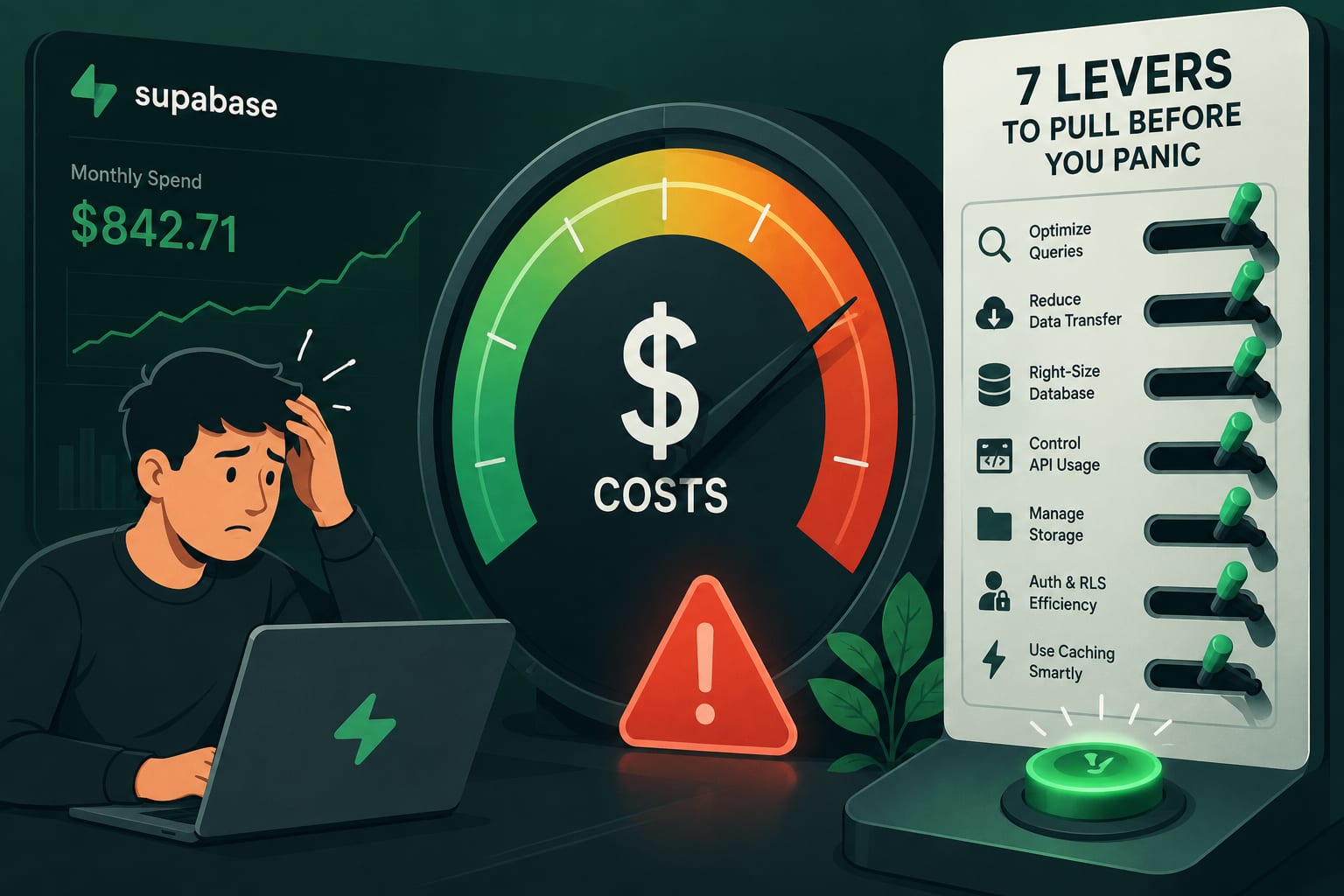
Supabase is a joy to build on — until the invoice starts climbing faster than your traffic. One month it's a rounding error; a few features later it's a line item someone in finance is asking about. The good news: most Supabase bills are padded with waste you can trim without touching your product. Pull these seven levers first. Then, if the numbers still don't work, we'll talk about switching.
Lever 1: Pause idle projects and right-size compute
Supabase bills compute per project, around the clock, whether anyone's using it or not. The single biggest source of waste is a fleet of dev, staging, and "we'll get back to it" projects quietly burning compute 24/7. Pause the ones you're not actively using, and right-size the compute add-on on the ones you are — most teams over-provision "just in case" and pay for headroom they never touch.
Lever 2: Stop paying for egress you don't need
Bandwidth is the surprise line on more Supabase bills than anything else. Every full-resolution image and bloated JSON payload you ship out the door is billable egress. Serve assets through a CDN, cache aggressively, resize and compress images before they leave the database, and stop over-fetching — pull the columns you need, not select * on a wide table a thousand times a day.
Lever 3: Keep the database lean
Storage and compute both scale with database size, so a bloated database is an expensive one. Move large files and blobs out of Postgres and into Storage or object storage where they belong. Archive cold rows you never query to cheaper storage. Drop the unused indexes that quietly double your write cost and footprint. And run VACUUM so dead tuples aren't inflating everything.
Lever 4: Right-size Storage and its lifecycle
Uploaded files pile up forever unless you tell them not to. Add lifecycle rules that purge or archive stale files, dedupe the re-uploads that sneak in, compress on upload, and lean on CDN caching so you're not re-serving the same asset from origin over and over. Storage is cheap per gigabyte and expensive by the terabyte — the difference is whether anyone's minding it.
Lever 5: Rein in Realtime and Edge Functions
Open Realtime connections and Edge Function invocations are easy to over-use because they feel free until they aren't. Close subscriptions you don't need, debounce and batch the ones you keep, and cache function results instead of recomputing them on every call. A dashboard that opens ten live subscriptions per user is a bill waiting to happen.
Lever 6: Watch your MAUs and the add-on creep
Auth is priced on monthly active users, and the paid add-ons stack quietly — Point-in-Time Recovery, extra compute, read replicas, custom domains. Any one is reasonable; together they're a second invoice hiding inside the first. Audit what's actually switched on, and turn off what you're not using. The add-on you enabled for a demo eight months ago is still billing.
Lever 7: Cache hard and cut query volume
Every query hits compute, so the cheapest optimization is the query you never run. Add a caching layer, push read-heavy content to the edge with ISR or a CDN, use connection pooling, and cut round-trips so you can drop to a smaller compute tier. Fewer, smarter queries beat a bigger instance every time — and it makes your app faster in the bargain.
When optimizing isn't enough: the case for Neon
Sometimes you pull all seven levers and the math still doesn't work — usually because your workload is bursty or low-traffic, and you're paying for an always-on instance that sits idle most of the day. That's the exact shape of workload where Neon shines.
Neon is serverless Postgres. It scales compute to zero when nothing's happening, so an idle database costs almost nothing instead of billing around the clock. It separates storage from compute, so you pay for each independently. And it has database branching — spin up an instant copy of your data for every preview deploy or pull request, then throw it away — which replaces those always-on staging projects that were padding your Supabase bill in the first place.
Because it's plain Postgres, moving over is mostly a connection-string change, not a rewrite. If you've trimmed the waste and the bill is still too high for a workload that's quiet half the day, try Neon free and compare it against your current run rate.
Disclosure: the Neon links above are affiliate links — if you sign up through one, DataCram may earn a credit at no extra cost to you. It doesn't change what we'd recommend; we'd point spiky, low-traffic workloads at scale-to-zero Postgres either way.
How DataCram helps
Most teams don't have a spare afternoon to audit a cloud bill line by line — and the savings are usually buried in exactly the places nobody has time to look. DataCram does it for you. We audit your Supabase (or any Postgres) setup, pull the levers above, and tell you straight what's worth changing and what isn't. When a migration genuinely pays off, we handle the move end to end — schema, data, connection pooling, and the app changes around it — so you cut the bill without cutting a feature or risking downtime. We also build fast, efficient web apps from the start, on a stack that doesn't quietly overcharge you as you grow. We work with businesses from San Antonio to the coast and clients across the country.
FAQ
Will these changes hurt performance?
Most of them help it. Caching, leaner queries, smaller payloads, and a right-sized database all make your app faster, not slower. The only lever that requires judgment is pausing projects — don't pause something in active use — but a smaller, cleaner setup almost always performs better than an over-provisioned, bloated one.
How much can I realistically save on Supabase?
It depends entirely on where your waste is. Teams paying for idle compute across several projects, or bleeding egress on unoptimized images, often cut their bill by a third or more just with levers one through three. Others are already lean and the honest answer is "switch or accept it." An audit tells you which camp you're in.
Is Neon always cheaper than Supabase?
No — and anyone who says otherwise is selling something. Neon's scale-to-zero model wins big for bursty, low-traffic, or many-environment workloads. For a steady, high-traffic app running hot 24/7, the gap narrows and Supabase's all-in-one feature set may be worth the price. Match the tool to the workload; that's the whole point of an audit.
Do I have to rewrite my app to move to Neon?
Rarely. Both are Postgres, so most migrations come down to moving the data and changing a connection string, plus adjusting pooling. The app logic usually doesn't care which Postgres it's talking to. We handle the parts that do.
Next steps
Open your last Supabase invoice and read it like a stranger would. How much of it is idle compute, forgotten add-ons, or egress you could cache away? That number is your first month of savings, sitting in plain sight. Pull the seven levers — or tell DataCram what you're running and we'll audit it, cut what's wasteful, and tell you honestly whether it's time to optimize, migrate to Neon, or leave well enough alone.